
Required :
Additional Game Settings
Reshade
Optional :
Real Sky
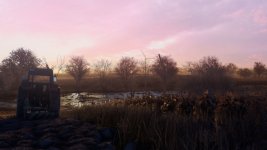
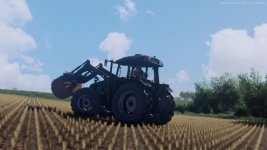
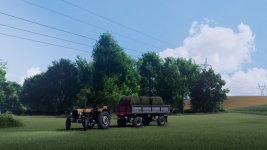
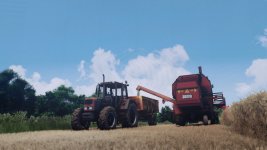
Put folder “OswietlenieRzep” into …/Documents\My Games/FarmingSimulator2025\modSettings/FS25_additionalGameSettings/lighting
Put folder “reshade-shaders” into …/Farming Simulator 25/x64
In additional game settings, choose lighting “OswietlenieRzep”
In Reshade (default button is Home) choose preset “Shader_by_rzepV2”
- Authors / Credits
- ari11
- Download modification
- https://zippymods.com/dcylag3dl3we/ShaderyRzepV2.zip.html

 Farming Simulator 25 Mods
 FS25 Maps
 FS25 Tractors
 FS25 Harvesters
 FS25 Trucks
 FS25 Trailers
 FS25 Vehicles
 FS25 Cars
 FS25 Buildings
 FS25 Implements
 FS25 Forklifts & Excavators
 FS25 Forestry
 FS25 Decorations
 FS25 Placeable objects
 FS25 Prefab
 FS25 Packs
 FS25 Weights
 FS25 Misc
 FS25 Textures
 FS25 Savegames
 FS25 Scripts
 FS25 Autodrive