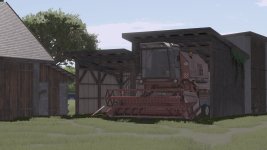
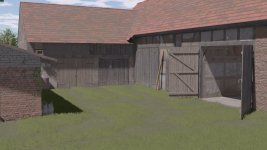
Thank you for the information on how to set up the lighting in PixelekYT V1.0. To clarify, if you want to make the lighting work, you need to place it in the config file. Additionally, you provided the Nvidia filter settings for color and Exposure/Contrast as follows:
Color from the top in order 33 28 10 0:
- Red: 33
- Green: 28
- Blue: 10
- Alpha: 0
Exposure/Contrast settings in order -10 -26 -64 -34:
- Exposure: -10
- Contrast: -26
- Brightness: -64
- Saturation: -34
By applying these settings to your Nvidia filters, you should see the desired color and exposure/contrast adjustments in the PixelekYT V1.0 lighting. Let me know if you need further assistance with setting up the lighting or have any other questions related to this topic.


 Farming Simulator 25 Mods
 FS25 Maps
 FS25 Tractors
 FS25 Harvesters
 FS25 Trucks
 FS25 Trailers
 FS25 Vehicles
 FS25 Cars
 FS25 Buildings
 FS25 Implements
 FS25 Forklifts & Excavators
 FS25 Forestry
 FS25 Decorations
 FS25 Placeable objects
 FS25 Prefab
 FS25 Packs
 FS25 Weights
 FS25 Misc
 FS25 Textures
 FS25 Savegames
 FS25 Scripts
 FS25 Autodrive