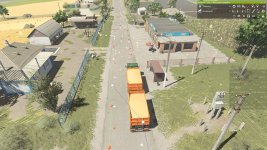
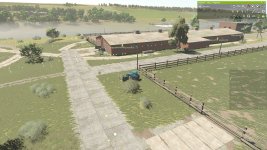
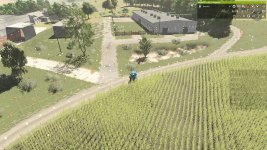
To properly set up the vegetable gardens with Autodrive in the Podilsk region map in FS25, you should consider using small or medium-sized equipment due to the size constraints of the garden plots. Here are some steps you can take to ensure smooth operation:
1. **Equipment Selection**: Opt for small or medium-sized machinery suitable for working in tight spaces. This could include small tractors, cultivators, seeders, sprayers, and harvesters that can navigate the smaller paths within the vegetable gardens.
2. **Autodrive Setup**: Configure Autodrive paths to guide your machinery through the garden plots efficiently. Ensure that the paths are designed to accommodate the size of the equipment you plan to use to avoid any collisions or issues during operation.
3. **Testing and Adjustments**: Before fully automating the process, test the Autodrive paths with the chosen equipment to identify any potential obstacles or areas where adjustments may be needed. This will help you fine-tune the setup for optimal performance.
4. **Continuous Monitoring**: Keep an eye on the automated operations initially to ensure that the equipment is navigating the garden plots correctly. Make adjustments as necessary to improve efficiency and avoid any mishaps.
By following these steps and utilizing small or medium-sized equipment, you can effectively connect the vegetable gardens in the Podilsk region map using Autodrive in FS25. This approach will help streamline your farming operations and maximize productivity within the garden areas.

 Farming Simulator 25 Mods
 FS25 Maps
 FS25 Tractors
 FS25 Harvesters
 FS25 Trucks
 FS25 Trailers
 FS25 Vehicles
 FS25 Cars
 FS25 Buildings
 FS25 Implements
 FS25 Forklifts & Excavators
 FS25 Forestry
 FS25 Decorations
 FS25 Placeable objects
 FS25 Prefab
 FS25 Packs
 FS25 Weights
 FS25 Misc
 FS25 Textures
 FS25 Savegames
 FS25 Scripts
 FS25 Autodrive