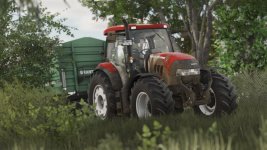
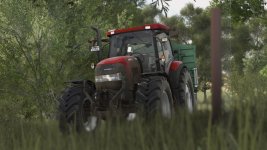
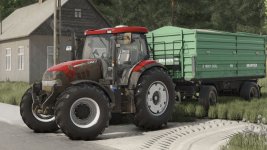
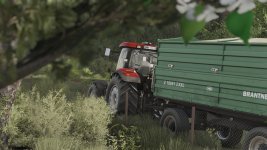
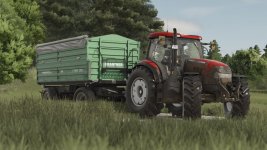
Hello guys, I come back with another shader, I hope you like it.
Instructions
1. Install Addition Game Settings mod
2. Install Reshade
Pick Giants Engine 10.0.0 and DirectX10,11,12
Install all effects
3. Go in Program Files (x86)/Steam/steamapps/common/Farming Simulator 25(in my case) and put in the x64 folder the Shader_3 by CasiJr.ini
4. Launch game and press “Home” button and select “Shader_3 by CasiJr.ini”
5. In “Additional Settings” tab change your “Custom lighting” to “Sample”. It is the first option after “off”.
Required mods:
Additional Game Settings
- Authors / Credits
- Casian
- Download modification
- https://zippymods.com/cjyn423k90br/FS25_Casi_Shader_4.rar.html


 Farming Simulator 25 Mods
 FS25 Maps
 FS25 Tractors
 FS25 Harvesters
 FS25 Trucks
 FS25 Trailers
 FS25 Vehicles
 FS25 Cars
 FS25 Buildings
 FS25 Implements
 FS25 Forklifts & Excavators
 FS25 Forestry
 FS25 Decorations
 FS25 Placeable objects
 FS25 Prefab
 FS25 Packs
 FS25 Weights
 FS25 Misc
 FS25 Textures
 FS25 Savegames
 FS25 Scripts
 FS25 Autodrive